Crosshair X

| a game by | CenterPoint Gaming |
| Platform: | PC (2020) |
| Editor Rating: | 8.5/10, based on 1 review, 2 reviews are shown |
| User Rating: | 8.4/10 - 5 votes |
| Rate this game: | |
| Updated: | Jan 28, 2025 |
| See also: | Sandbox Games, First Person Shooter Games, Survival Games, PvP Games, Educational Games, Game Development, Tactical Shooters, Archery Games |
 Downloads
Gaming enthusiasts constantly seek tools to enhance their performance, and Crosshair X emerges as a sophisticated solution for players looking to improve their accuracy across various games. This customizable crosshair overlay tool brings professional-grade aiming assistance to PC gamers through a Microsoft-verified platform. With the rising popularity of competitive gaming, having a reliable and customizable crosshair has become essential for players looking to gain an edge in their favorite titles.
Customization Beyond Compare
Crosshair X's strength lies in its extensive customization options. The intuitive interface allows users to adjust every aspect of their crosshair, from basic elements like opacity and color to advanced features such as bloom effects and T-shape modifications. Unlike similar tools like Custom Desktop Logo, Crosshair X offers a more comprehensive suite of options while maintaining user security through Microsoft's Game Bar integration. The ability to import custom images and save designs as PNG or SVG files adds another layer of versatility that sets it apart from competitors.


The customization depth goes far beyond simple aesthetic choices. Players can fine-tune their crosshair's behavior during different mouse states, implementing dynamic adjustments that respond to firing, movement, or specific keyboard shortcuts. The bloom feature, in particular, stands out as it allows users to create realistic spread patterns that match their weapon's behavior in-game. This level of detail ensures that players can create crosshairs that not only look good but also provide practical advantages in various gaming scenarios.
Community and Accessibility
What truly distinguishes Crosshair X is its thriving community feature. Players can explore thousands of user-created designs, share their own configurations, and even adopt professional players' setups. This social aspect creates an ecosystem where users can learn from each other and continuously refine their aiming preferences. The multi-monitor support and position management system ensure that players can maintain consistent crosshair placement across different games and screen setups.
The community aspect extends beyond mere sharing of designs. Users frequently post tutorials, tips, and optimization guides for specific games, creating a knowledge base that helps newcomers navigate the software's features. Professional players' involvement adds credibility to the platform, as their tried-and-tested configurations provide valuable insights into competitive gaming setups.
One of Crosshair X's most significant advantages is its seamless integration with Microsoft's Game Bar. This partnership ensures not only security but also stable performance across a wide range of games. The software's efficient resource management means minimal impact on frame rates, even in demanding titles. The ability to save multiple positions and quickly switch between them makes it particularly valuable for players who enjoy different gaming genres, each requiring unique crosshair configurations.
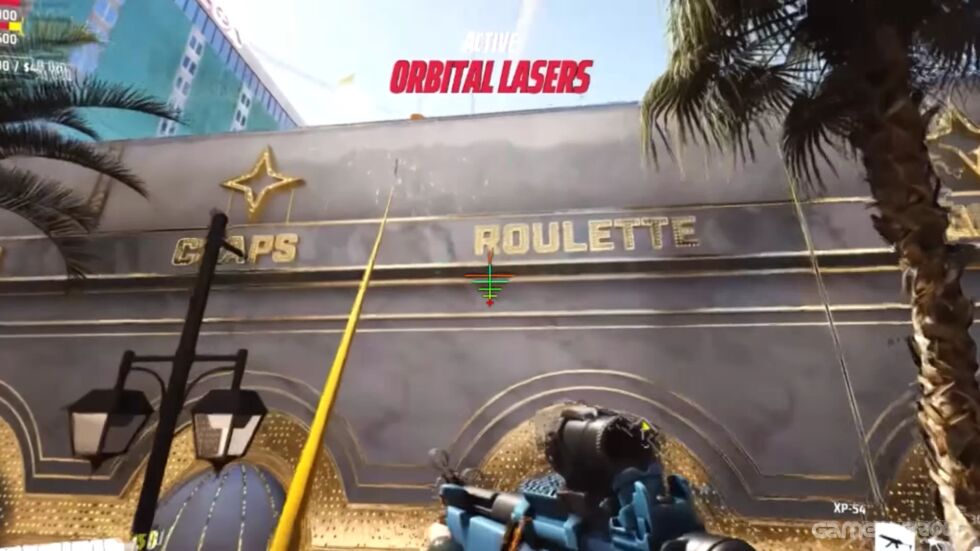


Review: 8.5/10
Crosshair X successfully combines powerful customization tools with user-friendly design, making it an invaluable asset for competitive gamers. While the software excels in many areas, there's still room for improvement in terms of preset organization and quick-switching between different profiles.
Its robust feature set and security-focused approach make it a top choice for players serious about improving their aim.
Pros:
- Microsoft Game Bar integration ensures security and stability
- Extensive customization options for every crosshair element
- Robust community features with sharing capabilities
- Support for custom image imports and exports
- Multi-monitor compatibility
Cons:
- Learning curve might be steep for casual users
- Some advanced features could benefit from better documentation
- Limited quick-switching capabilities between different crosshair profiles
Download Crosshair X
System requirements:
- PC compatible
- Operating systems: Windows 10/Windows 8/Windows 7/2000/Vista/WinXP
Game Reviews
Crosshair X is a useful utility for shooter fans that allows you to put a custom sight in any of the popular shooters.
Crosshair X features:
- Thousands of cool ready-made sights - the community is constantly updating the library
- Create your own sight from scratch or make changes to an existing position. Lots of options to help make your rifle scope your own
- Free import of the finished sight into a popular shooter
Ninety percent of gamers on Steam rated Crosshair X well.
Snapshots and Media
PC Screenshots

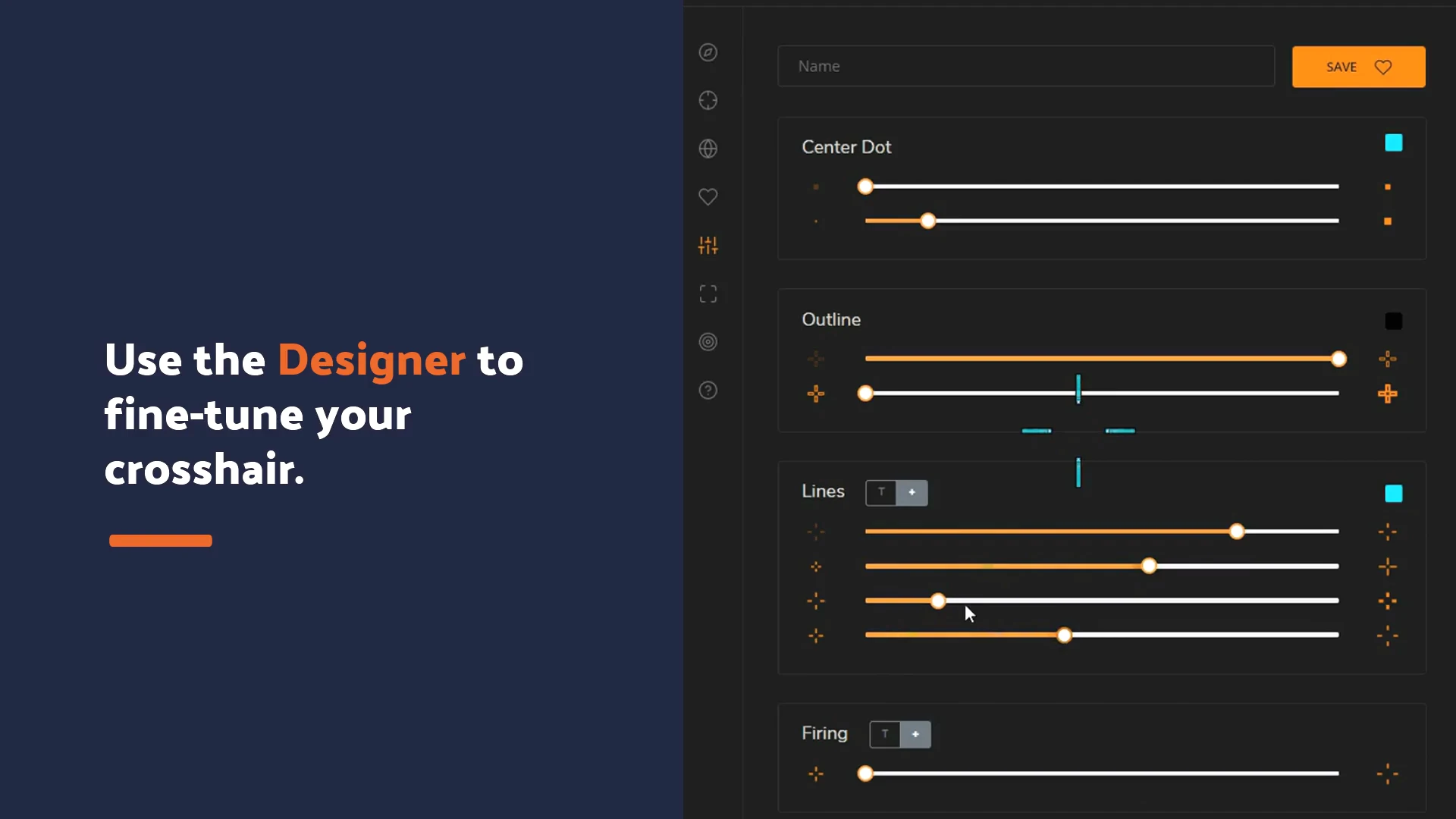


 Black Ink
 Discord Bot Maker
 Easy Sketch Pose
 Overlay Studio
 RPG Maker VX Ace
 Source Filmmaker
 VoiceAttack
 XSOverlay
 FNIA After Hours
 Parasocial
 Orion Sandbox Enhanced
 Resident Evil 4 - Separate Ways
 Half-Life 2: Episode One
 Palworld
 The Parasites
 Primal Earth
 Day of Dragons
 The Isle
 Primordialis
 Power Drill Massacre